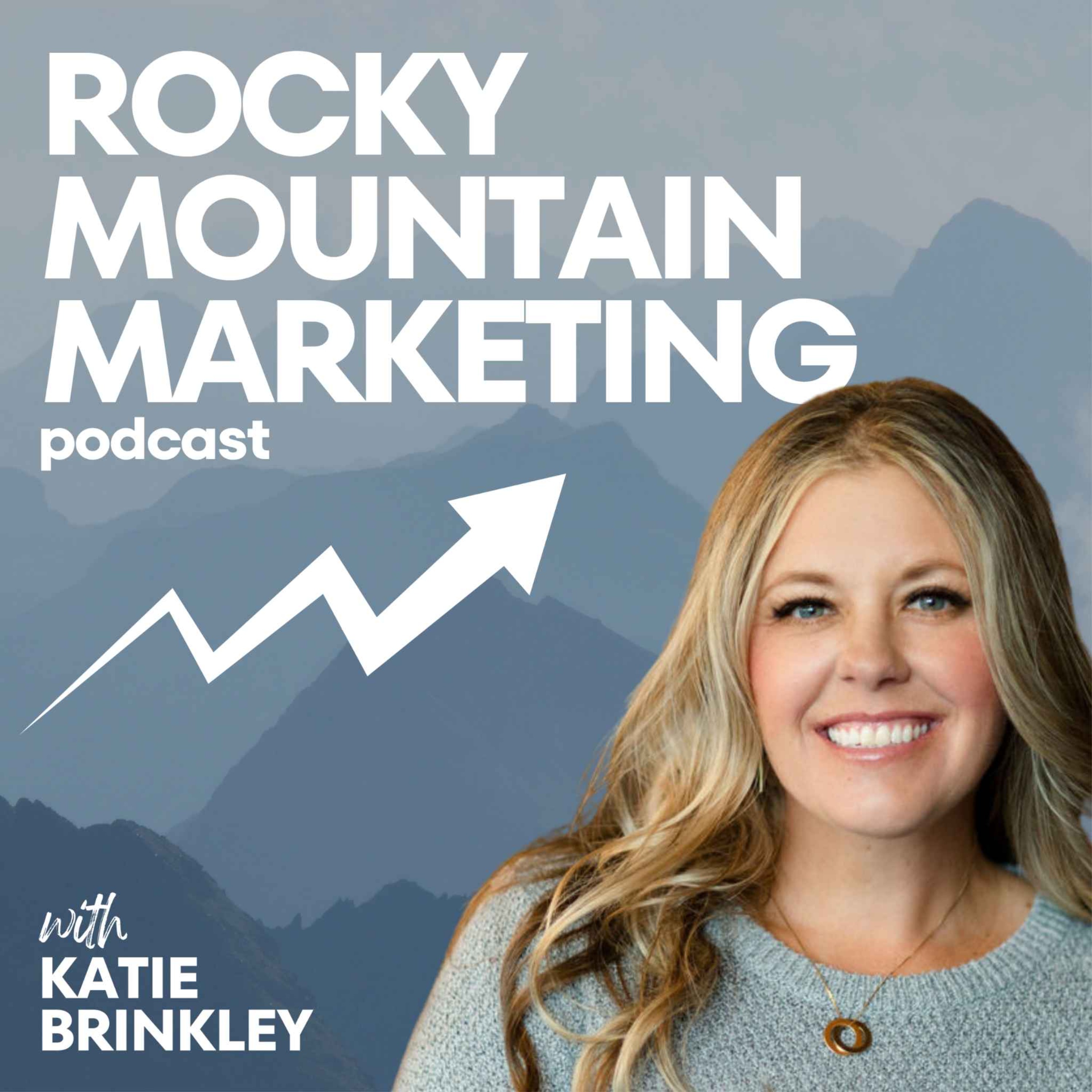
Welcome to the Rocky Mountain Marketing Podcast, your go-to guide for everything marketing, aimed specifically at small businesses, entrepreneurs, solopreneurs, and coaches. I'm Katie Brinkley, your host and navigator in this journey, sharing my expertise and inviting savvy guests to dissect the nitty-gritty of social media, entrepreneurship, email marketing, and all things digital marketing. Imagine having a friend who's been there, done that, and is now ready to let you in on the secrets of what's working right now in the marketing world. That's exactly what you'll get when you tune into the podcast. I cut through the noise and give you real, actionable advice, proven strategies, and innovative approaches that can help you scale your business and maximize your impact. Whether it's a deep dive into the latest trends in social media, a breakdown of successful email marketing campaigns, or exploring novel marketing strategies, I'm all about giving you practical kn
Pitch Analysis
Required Pod Score for this show. PitchCentric checks your profile against host openness, topical fit, and audience signals before you generate a pitch.
Contact path
Verified email
Booking probability
38%
Guest openness
Selective
Verified email on file
80/100
Required Score
Sign up to generate a grounded pitch for Rocky Mountain Marketing- Digital Marketing for Entrepreneurs.
What is Rocky Mountain Marketing- Digital Marketing for Entrepreneurs?
Rocky Mountain Marketing- Digital Marketing for Entrepreneurs is a business podcast hosted by Katie Brinkley, with 442 episodes on record and a Required Pod Score of 80.
About the host
Katie Brinkley hosts Rocky Mountain Marketing- Digital Marketing for Entrepreneurs, a business show with 442 episodes published.
Our AI reads these to draft pitches. Use them as grounding for a pitch that cites a real guest and a specific topic.
Rocky Mountain Marketing- Digital Marketing for Entrepreneurs
How Do You Train AI to Actually Sound Like You?
Apr 28, 202613 min
Have you ever used AI to write something… and immediately thought, “This isn’t something I would actually say”? You tweak it. You rewrite parts of it. Sometimes you scrap it entirely. And at that point, it feels faster to just do it yourself. That’s not because AI isn’t capable. It’s because it doesn’t understand you yet. In this episode of Rocky Mountain Marketing, we’re continuing the AI series and focusing on the piece most business owners skip. Not tools. Not prompts. Clarity. Because if your voice, your perspective, and your messaging aren’t clearly defined, AI has nothing specific to reflect. So it fills in the gaps with what it already knows. And that’s why everything starts to sound the same. In this episode, I walk through: Why AI output often feels disconnected from your brand The real reason editing takes longer than expected Why adjusting prompts is not fixing the issue How to clearly define your voice and communication style What it actually looks like to “teach” AI how you think Because once AI understands how you operate, everything changes. Key Takeaways AI reflects what you give it, not what you intend Lack of clarity leads to generic output Rewriting everything is a sign of missing context Examples accelerate alignment faster than instructions Consistency comes from patterns, not repetition Timestamps: [00:00:00] – Why AI Content Doesn’t Sound Like You (Big Mistake) [00:01:00] – The Real Problem: AI Lacks Your Brand Voice & Context [00:02:30] – Stop Prompting Wrong: Why Context Beats Prompts [00:04:00] – Define Your Voice, Audience & Messaging (Step-by-Step) [00:05:30] – How to Train AI Using Real Content Examples [00:07:30] – Build AI Workflows That Save Time (Not Create More Work) Before you open AI again, take a step back. Find one piece of content that feels completely aligned with how you communicate. Then find one that feels off. Use both as your starting point. Because the more clearly you define what fits and what doesn’t, the easier it becomes to get results that actually sound like you. Learn more about Katie and Next Step Social & Podcasting: Speaking: https://katiebrinkley.com/ Website: https://www.nextstepsocial.com/ Linkedin: https://www.linkedin.com/in/katiebrinkley YouTube: https://www.youtube.com/channel/@rockymountainmarketing Instagram: https://www.instagram.com/iamkatiebrinkley/ Hosted on Acast. See acast.com/privacy for more information.
<p>Have you ever used AI to write something… and immediately thought,</p><p> “This isn’t something I would actually say”?</p><p>You tweak it.</p><p> You rewrite parts of it.</p><p> Sometimes you scrap it entirely.</p><p>And at that point, it feels faster to just do it yourself.</p><p>That’s not because AI isn’t capable.</p><p>It’s because it doesn’t understand you yet.</p><p>In this episode of Rocky Mountain Marketing, we’re continuing the AI series and focusing on the piece most business owners skip.</p><p>Not tools.</p...
Rocky Mountain Marketing- Digital Marketing for Entrepreneurs
What’s the Difference Between Using AI and Leveraging AI?
Apr 21, 202619 min
What if AI isn’t saving you time… Not because it’s not powerful enough, but because you’re using it the exact same way as everyone else? If you’ve ever opened ChatGPT, asked it to write something, and thought “this is going to make everything easier”… only to spend the next 20 minutes fixing it, you’re not alone. And you’re not doing it wrong. But you are missing the bigger shift. Because right now, most business owners are using AI to speed up the first draft. And that helps. But it doesn’t actually change how you operate. You’re still making every decision. You’re still editing everything. You’re still carrying the mental load. Which means you’re still the bottleneck. In this episode of Rocky Mountain Marketing, I’m kicking off a four part series on AI, and we’re starting with the shift most people have not made yet. The difference between using AI as a content tool… and using AI like a CEO. Because those are two very different things. One gives you more to manage. The other gives you your time back. In this episode, I walk through: Why AI feels helpful but not transformative What “ask and receive” mode actually looks like Why most AI generated content feels generic The real reason business owners still feel overwhelmed How AI should support execution, not just output Because the goal is not more content. It’s more capacity. Timestamps [00:00:00] – Why AI Isn’t Saving You Time (Yet) [00:01:30] – Using AI Like a CEO vs Just a Tool [00:03:00] – Why AI Isn’t Reducing Your Workload [00:04:30] – Shift: From Content Creation to Business Support [00:06:00] – Your Real Bottleneck: Capacity, Not Ideas [00:10:00] – Build Leverage Instead of Doing Everything Yourself [00:11:00] – What AI Support Looks Like for Business Owners [00:12:00] – Start Here: Your Anti-To-Do List Strategy [00:13:00] – From AI Beginner to Strategic Operator [00:14:00] – Next Step: Train AI to Think Like You Before you open AI again, do this first. Make a list of three things you do every single week that you never want to do again. Not someday. Not when you hire a team. Right now. That’s where AI should start helping. Because AI is not here to make you faster at doing everything. It’s here to help you stop doing the wrong things entirely. Learn more about Katie and Next Step Social & Podcasting: Speaking: https://katiebrinkley.com/ Website: https://www.nextstepsocial.com/ Linkedin: https://www.linkedin.com/in/katiebrinkley YouTube: https://www.youtube.com/channel/@rockymountainmarketing Instagram: https://www.instagram.com/iamkatiebrinkley/ Hosted on Acast. See acast.com/privacy for more information.
What’s the Difference Between Using AI and Leveraging AI?
Apr 21, 202619 minS5
<p>What if AI isn’t saving you time…</p><p>Not because it’s not powerful enough, but because you’re using it the exact same way as everyone else?</p><p>If you’ve ever opened ChatGPT, asked it to write something, and thought “this is going to make everything easier”… only to spend the next 20 minutes fixing it, you’re not alone.</p><p>And you’re not doing it wrong.</p><p>But you are missing the bigger shift.</p><p>Because right now, most business owners are using AI to speed up the first draft.</p><p>And that helps...
Why Are Your YouTube Views Not Turning Into Leads?
Apr 14, 20268 minS5
<p>Have you ever had a video get views… but nothing actually came from it?</p><br><p>No leads.</p><p>No engagement.</p><p>No real traction.</p><br><p>And you’re left wondering—is this even working?</p><p>Because here’s the truth:</p><p>Views can be one of the most misleading metrics on YouTube.</p><br><p>In this episode of Rocky Mountain Marketing, I’m breaking down how to actually read your YouTube analytics—so you can stop guessing and start making strategic decisions that grow your business.</p><br><p>Because YouTube give...
Every question we get asked before someone starts their trial.
If you have a concern about deliverability, AI quality, data privacy, or whether this will actually work for your specific situation, it's probably answered below.
What is the difference between Founder Solo and Founder Pro?
Founder Solo gives you 50 AI pitches per month using the credit model (Standard pitches cost 1 credit, Enriched pitches cost 2). Founder Pro raises that to 200 credits per month and adds full Booking Probability access, unlimited Magic Match, Apollo enrichment credits, and data export capabilities. Both plans use the same credit system, so you can stretch your monthly budget further by using Standard-mode drafting.
How do agency tiers work?
Agency tiers have no base fee. You pay per managed client and per talent profile. Agency Standard is $199 per client per month; Agency Pro is $399 per client per month. Both add $39 per talent profile per month. Your own team's user seats are always free.
What is a talent profile?
A talent profile represents one person (founder, executive, or spokesperson) you are booking onto podcasts. It includes their bio, topics, headshots, and outreach history. Team plans include 5 profiles; agency plans are pay-as-you-go.
Can I switch plans later?
Yes, at any time. Upgrades take effect immediately; downgrades apply at the end of the current billing period. Contact support if you need help migrating between plan families.
Do you offer a free trial?
Every paid plan includes a 15-day free trial. Your card is saved at signup but you will not be charged until day 16. Cancel any time from your dashboard.
What happens if I cancel?
You keep access until the end of your current billing period. No charges after that. Your data is retained for 30 days in case you reactivate.
Is the 20% annual discount automatic?
Yes. Select Annual on the pricing toggle and the discounted price is applied automatically at checkout. The annual price shown is the full year cost.
What if I have more than 50 profiles or 20 clients?
That is our Enterprise tier. Contact our sales team and we will build a custom plan with volume pricing, a dedicated account manager, and SLA guarantees.